
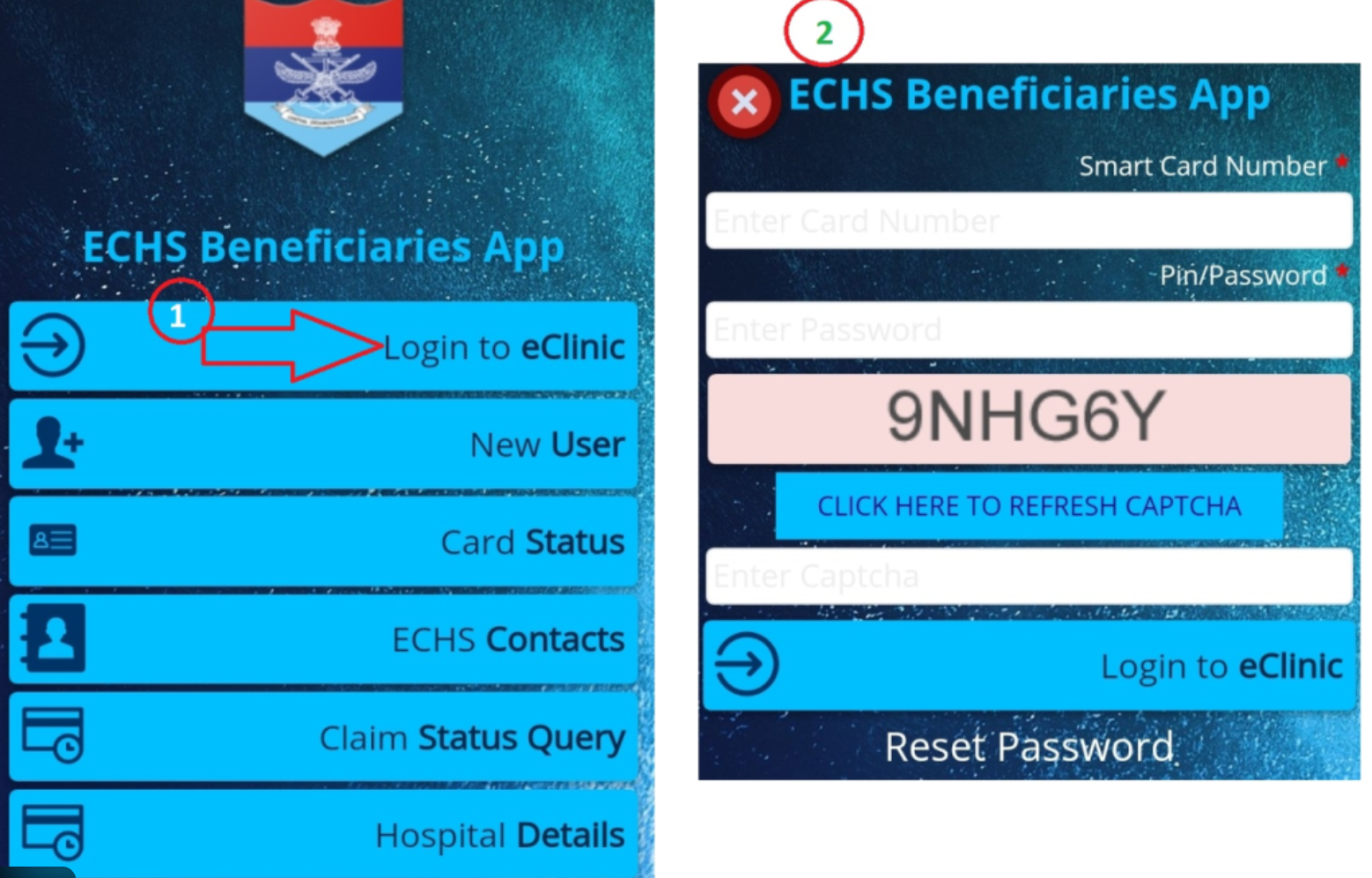
If you’re trying to access the ECHS login portal and it’s not working, you’re not alone. Thousands of Ex-Servicemen and dependents face login issues every month—especially during peak claim or card-related periods.
This 2025-updated guide explains the 10 most common reasons why ECHS login fails and exactly how to fix each one.
If you are new to the portal, first read our complete guide on
ECHS Login – Official Portal Link, Steps & Common Errors
to understand the correct login process.
1️⃣ Incorrect ECHS Card Number (Most Common Issue)
Problem:
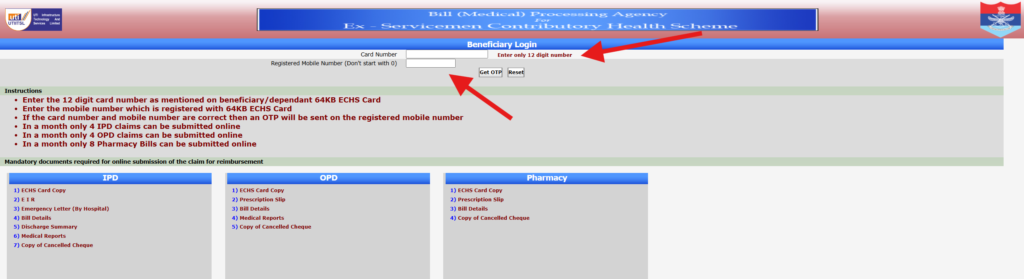
The portal accepts only a 12-digit ECHS card number. Even one wrong digit causes login failure.
Fix:
- Check the number printed on your 64KB ECHS smart card
- Don’t add spaces or hyphens
- Re-enter manually (avoid copy-paste)
2️⃣ Mobile Number Not Linked With ECHS Records
Problem:
OTP is sent only to the mobile number registered in ECHS records.
Fix:
- Use the original registered mobile number
- If changed, update it at your ECHS Polyclinic
- Carry Aadhaar + ECHS card for verification
3️⃣ OTP Not Received or Delayed
Problem:
OTP SMS delay due to network congestion or DND services.
Fix:
- Wait at least 2–3 minutes
- Ensure mobile has network signal
- Disable DND / SMS blocking
- Retry during non-peak hours (early morning works best)
4️⃣ ECHS Server Down or Under Maintenance
Problem:
ECHS servers are frequently under maintenance—especially weekends.
Fix:
- Try again after some time
- Login during 10 AM – 4 PM (working days)
- Avoid late night attempts
5️⃣ Browser Compatibility Issues
Problem:
ECHS portal doesn’t work properly on all browsers.
Best Browsers (2025):
✅ Google Chrome
✅ Microsoft Edge
Fix:
- Clear browser cache
- Disable ad-blockers
- Avoid UC Browser / outdated browsers
6️⃣ Captcha Code Error
Problem:
Captcha is case-sensitive and time-limited.
Fix:
- Enter captcha exactly as shown
- Refresh captcha if unclear
- Avoid auto-fill tools
7️⃣ Multiple Failed Login Attempts
Problem:
Too many wrong attempts may temporarily block login.
Fix:
- Wait 30–60 minutes
- Avoid repeated retries
- Try again later with correct details
8️⃣ Password Issues (For Registered Users)
Problem:
Old or incorrect password entered.
Fix:
- Use “Forgot Password” option
- Answer security questions correctly
- Reset password and login again
9️⃣ Using Wrong Login Page
Problem:
Many users click fake or outdated ECHS links from Google.
Fix:
Always use the official ECHS portal only.
Avoid third-party or copied websites.
🔟 Portal Overload During Peak Periods
Problem:
Heavy traffic during:
- Mediclaim submission deadlines
- Smart card updates
- Rate revision announcements
Fix:
- Login early morning
- Try weekdays
- Be patient and retry later
✅ Quick Checklist Before You Retry Login
✔ 12-digit card number
✔ Registered mobile number
✔ Stable internet
✔ Chrome / Edge browser
✔ Correct captcha
✔ Official ECHS portal
🧠 Pro Tip (Highly Recommended)
If login still fails after multiple attempts, don’t panic.
👉 Visit your nearest ECHS Polyclinic
👉 Or contact the ECHS Regional Centre with your card details
📌 Related Helpful Guides
(To improve your success rate, read these next)
- ECHS Login – Official Portal Link, Steps & Common Errors (pillar guide)
- ECHS OTP Not Received – How to Fix Fast
- ECHS Password Reset Process (Step-by-Step)