
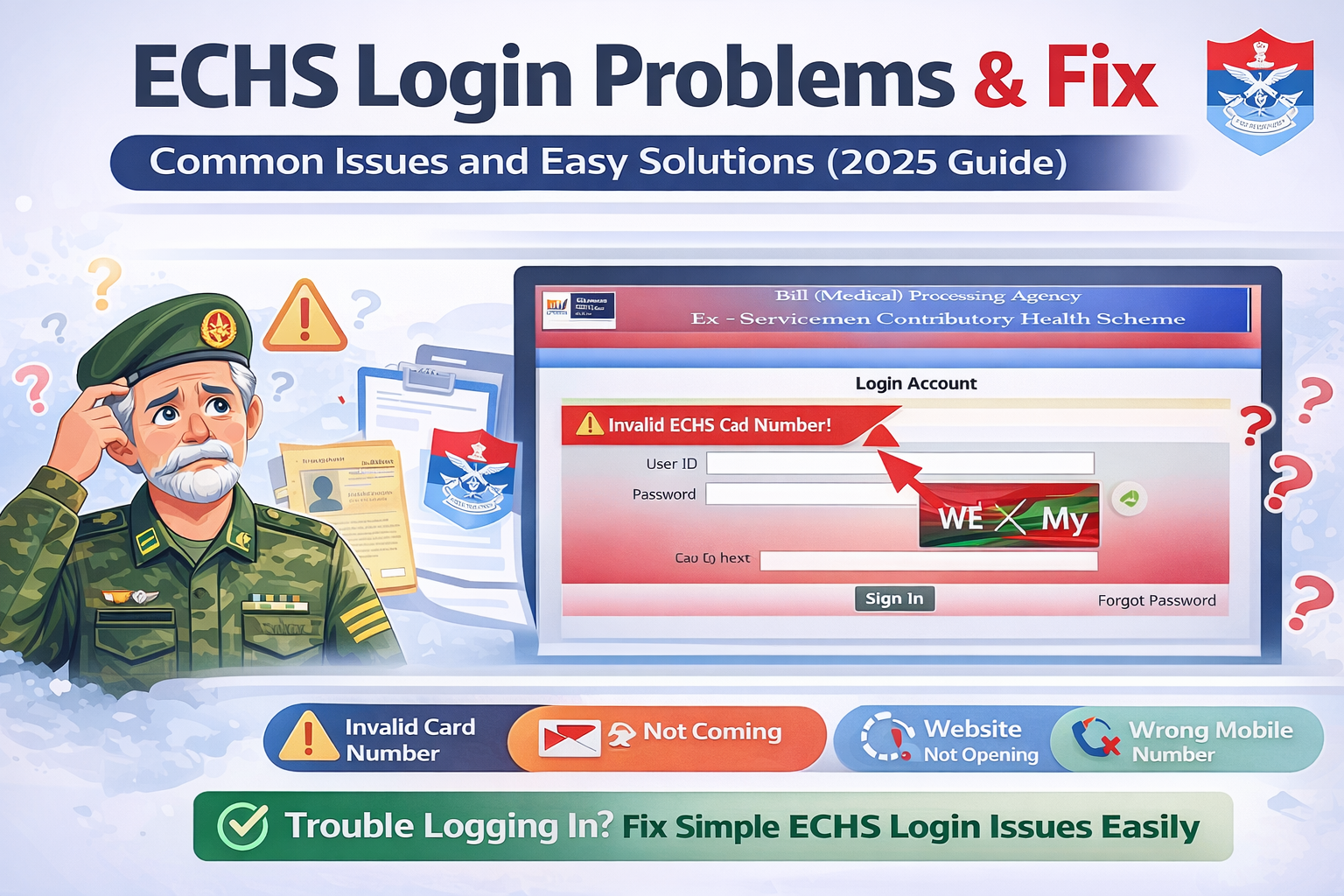
The Ex-Servicemen Contributory Health Scheme (ECHS) provides essential healthcare services to ex-servicemen and their dependents. Many beneficiaries use the ECHS online portal for services such as online applications, reimbursement claims, and beneficiary details.
However, users often face ECHS login problems, especially while accessing the portal using their ECHS card number or registered mobile number. If you are struggling to log in, this guide will help you understand the most common ECHS login issues and their practical fixes.
Common ECHS Login Problems
Below are the most frequently reported issues faced by ECHS beneficiaries while logging in to the portal.
1. Invalid ECHS Card Number Error
Problem
You may see an error like “Invalid ECHS Card Number” while logging in.
Possible Reasons
- Incorrect entry of the 12-digit ECHS card number
- Extra space before or after the number
- Using an expired or deactivated ECHS card
Fix
- Carefully re-enter the 12-digit ECHS card number
- Avoid copy-paste; type manually
- Ensure your ECHS card is active and valid
- If the card is expired, contact your parent ECHS polyclinic
2. OTP Not Received on Registered Mobile Number
Problem
OTP is not delivered even after multiple attempts.
Possible Reasons
- Poor mobile network coverage
- DND (Do Not Disturb) enabled
- Mobile number not updated in ECHS records
- Server delay
Fix
- Check network signal and try again after a few minutes
- Restart your phone
- Disable DND temporarily
- Ensure your mobile number is updated at your ECHS polyclinic
- Try logging in during non-peak hours
3. ECHS Website Not Opening or Loading Slowly
Problem
The ECHS portal does not load or gets stuck.
Possible Reasons
- Heavy traffic on the website
- Server maintenance
- Browser cache issues
Fix
- Refresh the page after a few minutes
- Clear browser cache and cookies
- Try opening the website in Incognito mode
- Use a different browser (Chrome / Edge / Firefox)
- Avoid peak hours (morning and afternoon)
4. Login Successful but Dashboard Not Loading
Problem
You log in successfully but cannot access services or dashboard.
Possible Reasons
- Session timeout
- Browser compatibility issue
- Temporary portal glitch
Fix
- Log out and log in again
- Clear cache and cookies
- Use a desktop or laptop instead of mobile
- Try a different browser
5. Mobile Number Not Linked With ECHS Card
Problem
OTP is sent to an unknown or old mobile number.
Fix
- Visit your parent ECHS polyclinic
- Request mobile number update
- Carry ECHS card and valid ID proof
- After updating, wait 24–48 hours and try again
6. “Service Temporarily Unavailable” Error
Problem
The portal shows a service unavailable message.
Reason
- Backend maintenance or technical upgrade
Fix
- This is a server-side issue
- Wait and try again after some time
- Check during late evening or early morning hours
7. Forgot Login Details or Unable to Authenticate
Fix
- Use the OTP-based login only
- Ensure correct ECHS card number and mobile number
- If problem persists, contact your polyclinic
ECHS Login Tips for Smooth Access
✔ Always use a stable internet connection
✔ Prefer desktop or laptop for login
✔ Keep ECHS card details handy
✔ Login during non-peak hours
✔ Regularly update your mobile number
What to Do If ECHS Login Problem Is Not Fixed?
If none of the above solutions work:
- Visit your parent ECHS polyclinic
- Contact the ECHS Regional Centre
- Carry:
- ECHS card
- Aadhaar / ID proof
- Registered mobile number
They can verify records and resolve backend issues.
Frequently Asked Questions (FAQs)
Why is ECHS OTP not coming?
OTP issues usually occur due to network problems, DND settings, or an unregistered mobile number.
Can I log in to ECHS portal without OTP?
No. ECHS uses OTP-based authentication only.
Is ECHS login available 24×7?
The portal is generally available 24×7 but may be temporarily down due to maintenance.
Can dependents log in to the ECHS portal?
Yes, if their mobile number is registered and linked with the ECHS card.
Conclusion
ECHS login problems are usually caused by minor technical issues, outdated mobile details, or server load. Most of these problems can be resolved easily by following the fixes mentioned above.
For persistent login issues, contacting your parent ECHS polyclinic is the most reliable solution.