
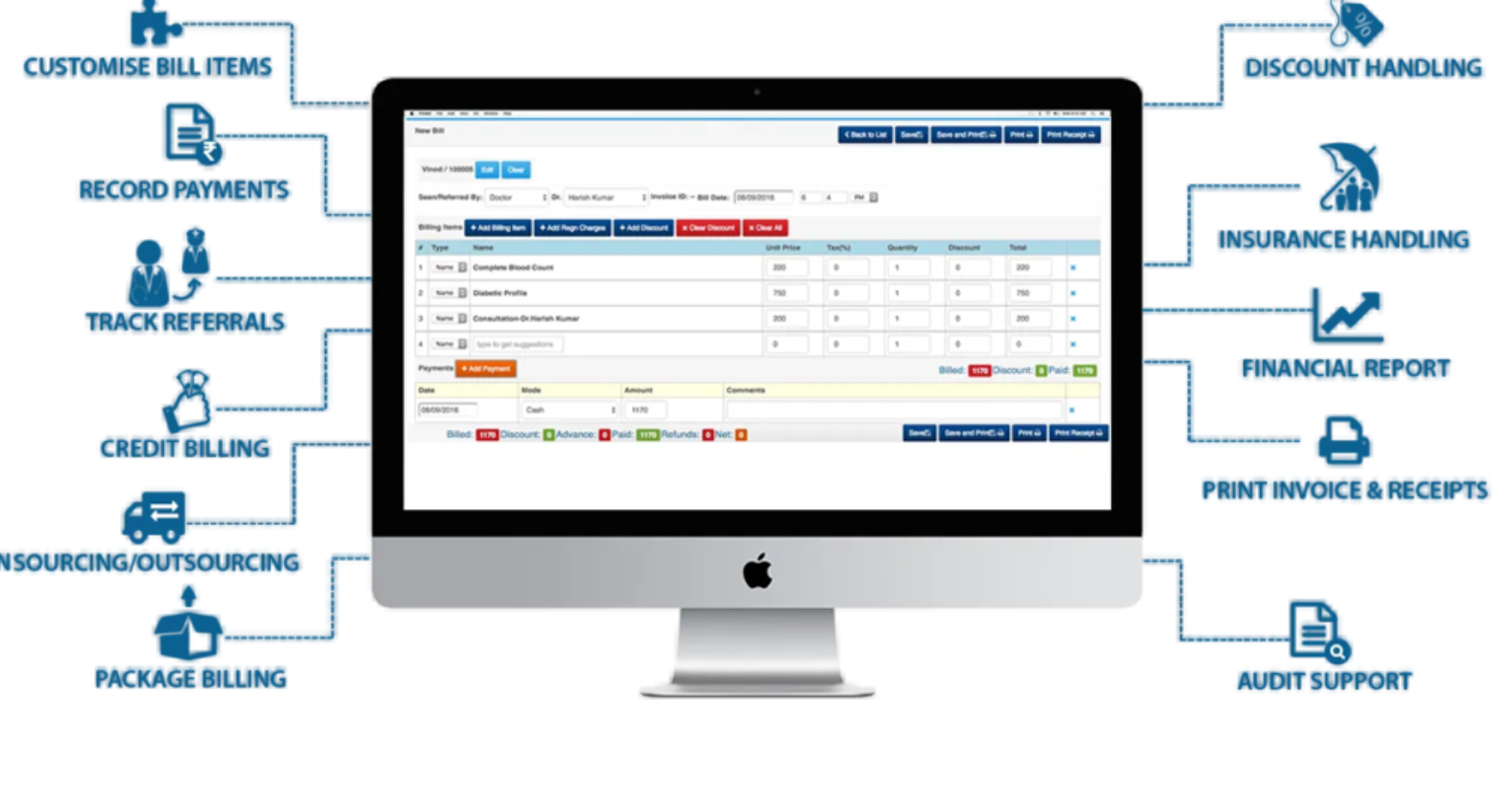
Empanelled hospitals play a crucial role in delivering cashless and reimbursement-based medical services under the Ex-Servicemen Contributory Health Scheme (ECHS). To manage patient records, submit bills, and track claim payments, hospitals must use the ECHS Hospital Login portal.
This guide explains how hospital login works, step-by-step access instructions, common login issues, and best practices to avoid claim rejections.
What Is ECHS Hospital Login?
ECHS Hospital Login is a secure online portal provided for ECHS-empanelled hospitals and diagnostic centres. It allows authorised hospital staff to:
- Submit medical bills online
- Upload IPD / OPD / Pharmacy documents
- Track bill processing and payment status
- View ECHSR / CGHS rate compliance
- Communicate with Regional Centres (RCs)
Only registered and empanelled hospitals are allowed access.
Who Can Use the ECHS Hospital Portal?
The following entities are eligible for hospital login access:
- ECHS-empanelled private hospitals
- Government hospitals tied up with ECHS
- Diagnostic labs and imaging centres
- Day-care procedure centres
- Hospitals approved under CGHS rates for ECHS
⚠️ Individual beneficiaries cannot log in through this portal. Beneficiaries use a separate ECHS login.
ECHS Hospital Login – Step-by-Step Process
Step 1: Open the Official Hospital Login Page
Visit the ECHS Bill Processing / Hospital Login portal provided during empanelment.
Step 2: Enter Login Credentials
You will need:
- Hospital User ID
- Password
- Captcha code
These credentials are issued by the ECHS Regional Centre at the time of empanelment.
Step 3: Successful Login
Once logged in, hospitals can access:
- Bill submission dashboard
- Pending / approved / rejected claims
- Patient treatment details
- Downloadable SOPs and circulars
How Hospitals Submit ECHS Medical Bills Online
After login, hospitals can submit bills under three categories:
1️⃣ IPD (In-Patient Department)
Required documents:
- Admission notes
- Discharge summary
- Investigation reports
- Final bill (CGHS-compliant)
- Cancelled cheque copy
2️⃣ OPD (Out-Patient Department)
Required documents:
- Prescription slip
- Bill details
- Medical reports
- Cancelled cheque
3️⃣ Pharmacy Bills
Required documents:
- Valid prescription
- Pharmacy bill
- Cancelled cheque
📌 Bills exceeding CGHS rates are usually rejected or reduced.
Common ECHS Hospital Login Problems & Fixes
❌ Invalid User ID or Password
✔️ Ensure CAPS LOCK is off
✔️ Use the exact credentials provided by ECHS
✔️ Reset password via RC if required
❌ Captcha Not Loading
✔️ Refresh the page
✔️ Clear browser cache
✔️ Try Chrome or Edge browser
❌ Portal Not Opening
✔️ Portal may be under maintenance
✔️ Try during non-peak hours (early morning)
❌ Account Locked
✔️ Contact your ECHS Regional Centre immediately
Important Tips for Hospitals to Avoid Claim Rejection
- Always upload clear, readable documents
- Ensure CGHS rate compliance
- Avoid overwriting or reusing old bills
- Upload documents in correct category (IPD/OPD/Pharmacy)
- Double-check patient ECHS card validity
- Use the latest SOP version
Difference Between Hospital Login & Beneficiary Login
| Feature | Hospital Login | Beneficiary Login |
|---|---|---|
| Submit bills | ✅ Yes | ❌ No |
| Track payment | ✅ Yes | ✅ Limited |
| Upload documents | ✅ Yes | ❌ No |
| Claim approval | ❌ No | ❌ No |
| Patient treatment | ✅ Yes | ❌ No |
Frequently Asked Questions (FAQs)
Can a hospital register for ECHS login online?
No. Login credentials are issued only after empanelment by ECHS.
What if a hospital forgets login credentials?
Contact the concerned ECHS Regional Centre with empanelment details.
Can hospitals edit submitted bills?
No. Once submitted, bills cannot be edited. Incorrect bills must be resubmitted if rejected.
Is ECHS hospital login available 24×7?
Generally yes, except during scheduled maintenance.
Final Words
The ECHS Hospital Login portal is the backbone of claim processing for empanelled hospitals. Proper understanding of login access, document submission, and SOP compliance ensures faster payments and fewer rejections.
Hospitals should regularly check circulars, follow updated SOPs, and coordinate with their Regional Centres for smooth operations.